Details
QBCore Chat System
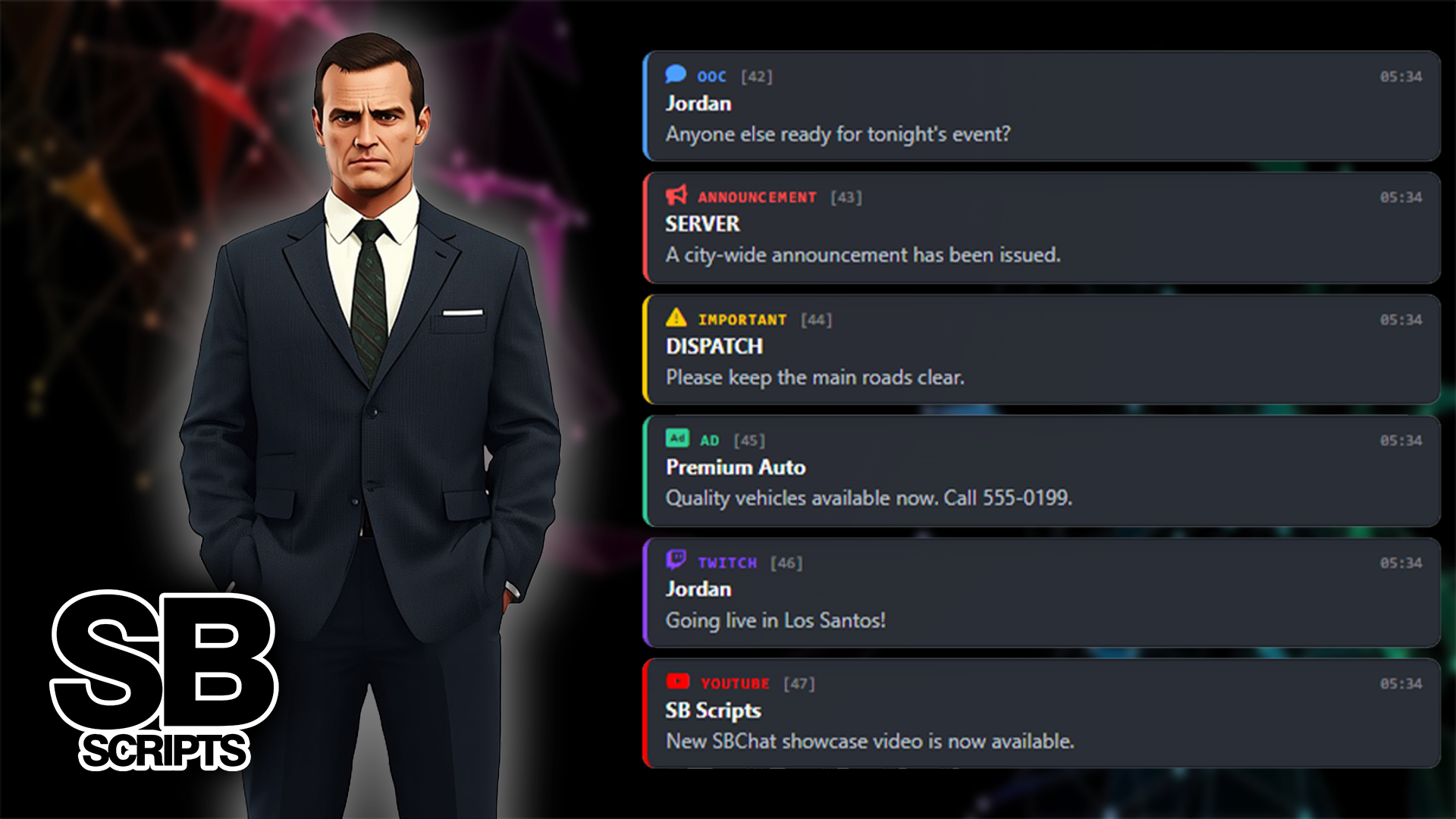
A modern and fully configurable QBCore chat system that enhances the default FiveM chat experience. Keep the familiar functionality of the default chat while adding categorised channels, job chats, staff communication, private messages, anonymous chat, server messages, command suggestions and more.
Core functionality
01 Default FiveM chat reskin
Enhances the familiar FiveM chat with a modern interface, without forcing your server onto a separate chat framework.
02 Categorised chat channels
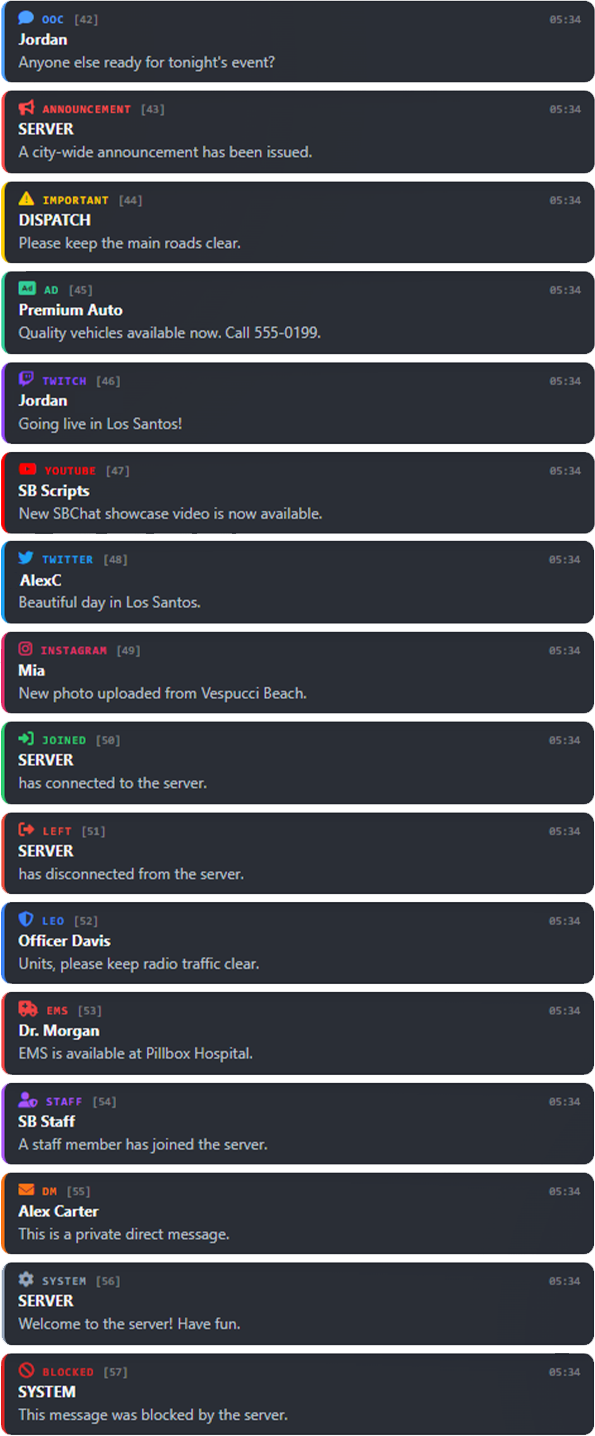
Organise conversations into dedicated categories such as OOC, jobs, staff, anonymous, advertisements and other configurable channels.
03 Job & staff communication
Let players and staff talk through restricted job and staff channels, based on their QBCore permissions and jobs.
04 Private messages & anonymous chat
Send private messages between players, or use anonymous chat when a conversation should not reveal the sender's identity.
Features
• Modern replacement for the default FiveM chat
• Built specifically for QBCore servers
• Configurable chat categories
• OOC chat channel
• Job-specific chat channels
• Staff-only chat channels
• Private player-to-player messages
• Anonymous chat functionality
• Advertisement (AD) channel
• Automatic server messages
• Blocked word filtering
• Player mute functionality
• Command suggestions
• Webhook support
• Configurable category icons
• Fully configurable categories and commands
• Clean and modern UI
• Lightweight and optimised
• Easy to configure and customise
• Designed to work with existing server scripts
Configurable channels
Every server can set up its own chat experience. Enable, disable, rename and customise channels directly through the config.
• OOC, out-of-character communication
• AD, player advertisements
• Anonymous, anonymous player communication
• Jobs, job-restricted communication
• Staff, staff-only communication
• DM, private player messages
• Server messages, automated server announcements
• Custom channels, add extra channels for your server
Security and moderation
Built-in moderation tools help staff keep chat organised and under control.
• Blocked word filtering
• Player mute system
• Permission-based staff channels
• Job-restricted communication
• Webhook logging support
• Configurable channel permissions
Configuration
• Custom chat categories and category names
• Custom category icons
• Custom commands
• Job and staff permissions
• Blocked words
• Webhook configuration
• Server message settings
• Chat behaviour and appearance
Compatability
Frameworks